> ## Documentation Index
> Fetch the complete documentation index at: https://docs.honeyhive.ai/llms.txt
> Use this file to discover all available pages before exploring further.
# HoneyHive Overview
> Getting started with HoneyHive
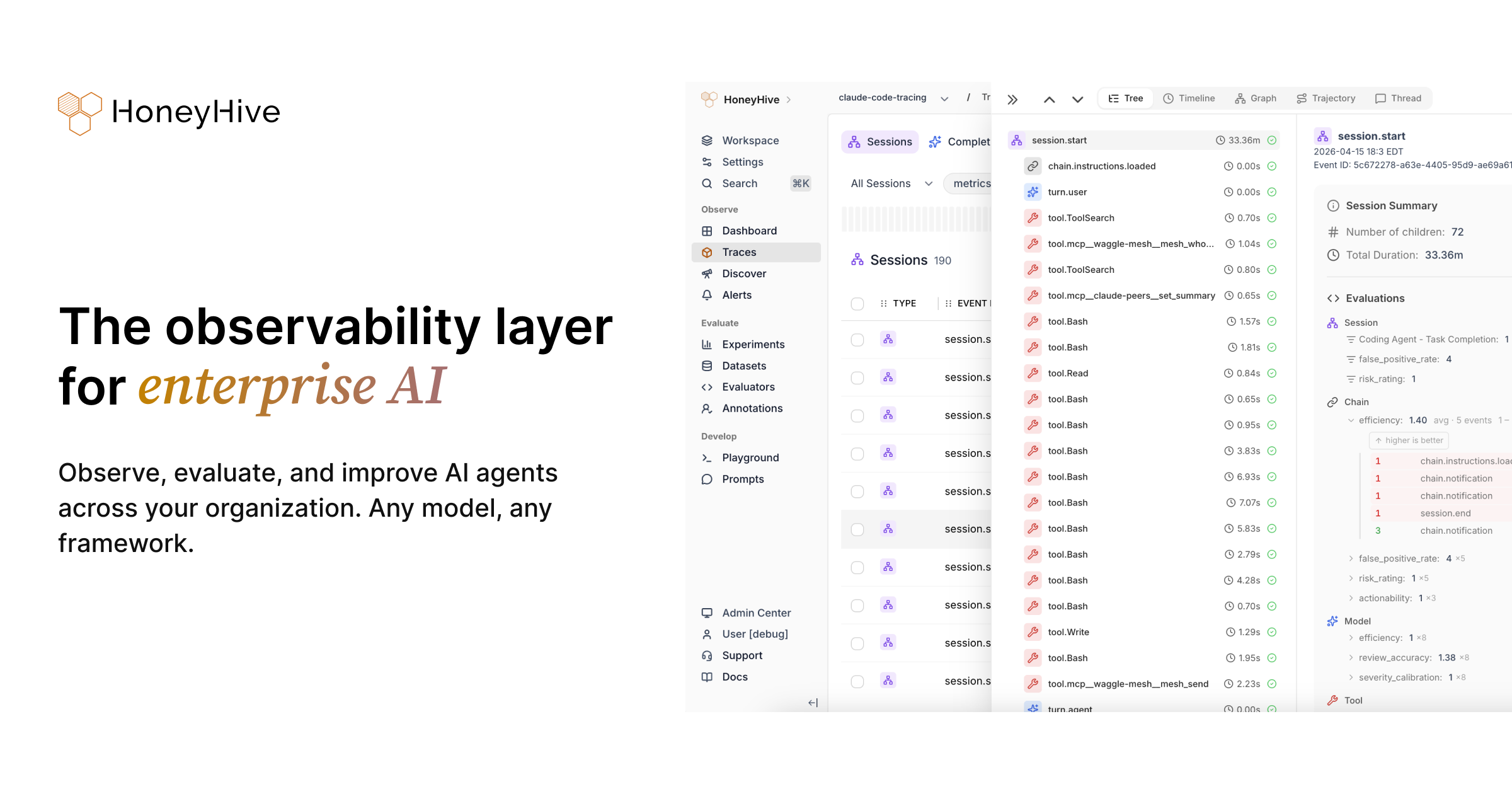
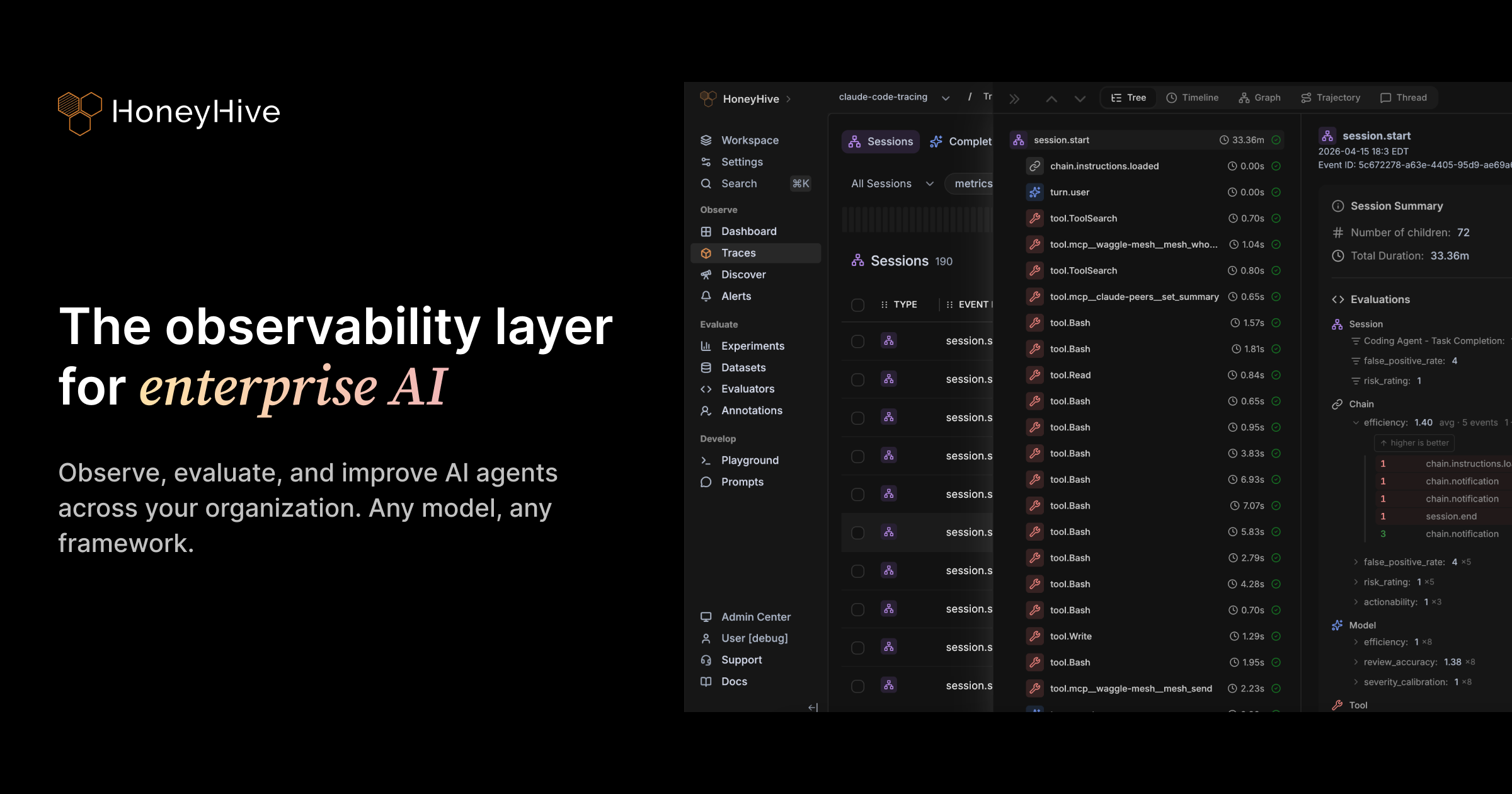 HoneyHive is the complete **AI observability and evaluation platform** for tracing, evaluating, monitoring, and improving AI agents from development to production.
Instrument your first agent and capture traces in 5 minutes.
Set up an experiment and evaluate your agent programmatically.
***
## The Workflow
HoneyHive follows an **Evaluation-Driven Development (EDD)** workflow — similar to TDD in software engineering — where evaluation guides every stage of agent development.
Instrument your application with distributed tracing to capture every interaction. Collect traces, user feedback, and quality metrics from production. Run **online evals** to surface edge cases at scale, and set up alerts to catch failures or metric drift.
Inspect every LLM call, tool invocation, and chain step in a structured execution log.
HoneyHive is the complete **AI observability and evaluation platform** for tracing, evaluating, monitoring, and improving AI agents from development to production.
Instrument your first agent and capture traces in 5 minutes.
Set up an experiment and evaluate your agent programmatically.
***
## The Workflow
HoneyHive follows an **Evaluation-Driven Development (EDD)** workflow — similar to TDD in software engineering — where evaluation guides every stage of agent development.
Instrument your application with distributed tracing to capture every interaction. Collect traces, user feedback, and quality metrics from production. Run **online evals** to surface edge cases at scale, and set up alerts to catch failures or metric drift.
Inspect every LLM call, tool invocation, and chain step in a structured execution log.
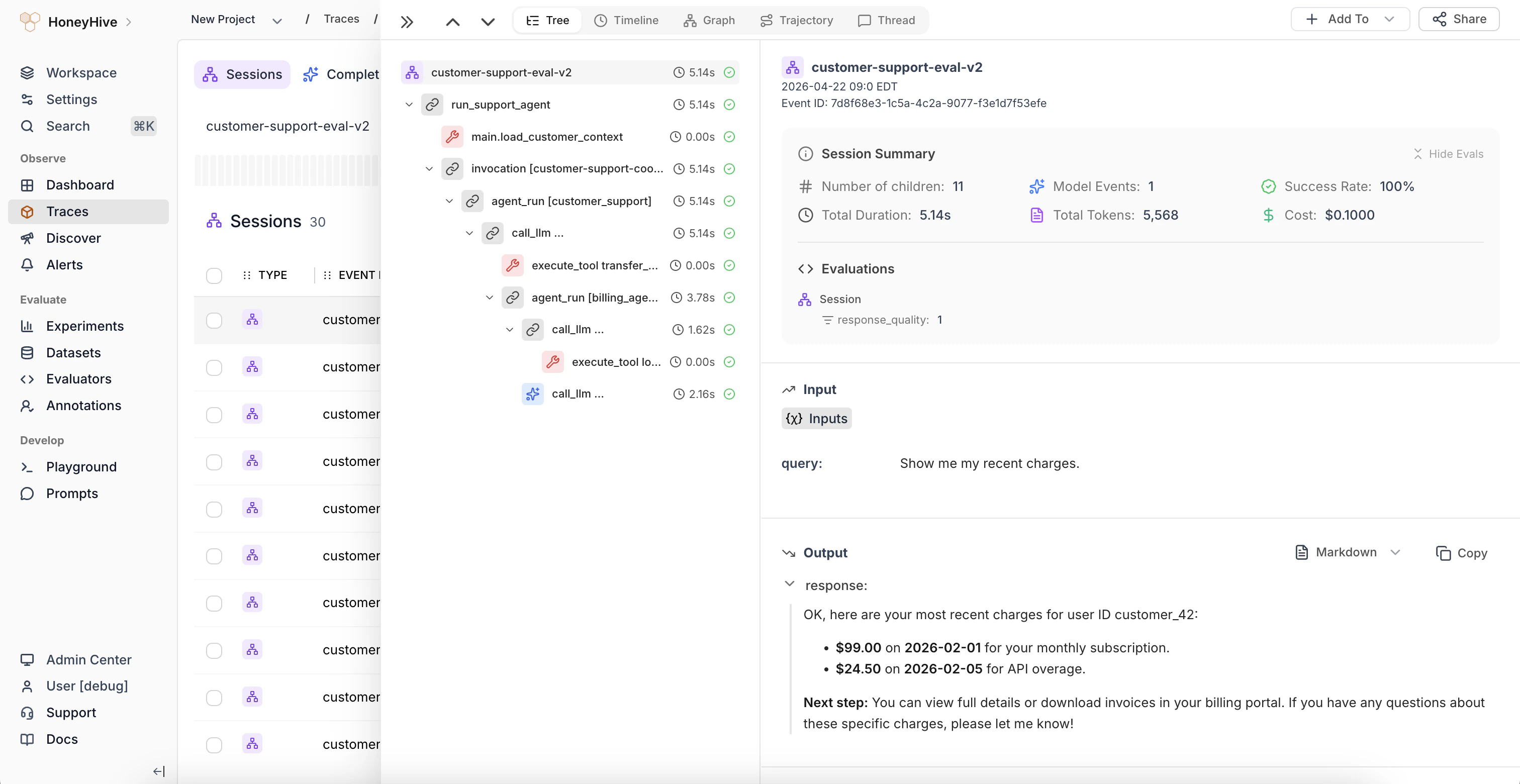 Visualize agentic workflows as interactive graphs showing how components connect and where execution flows.
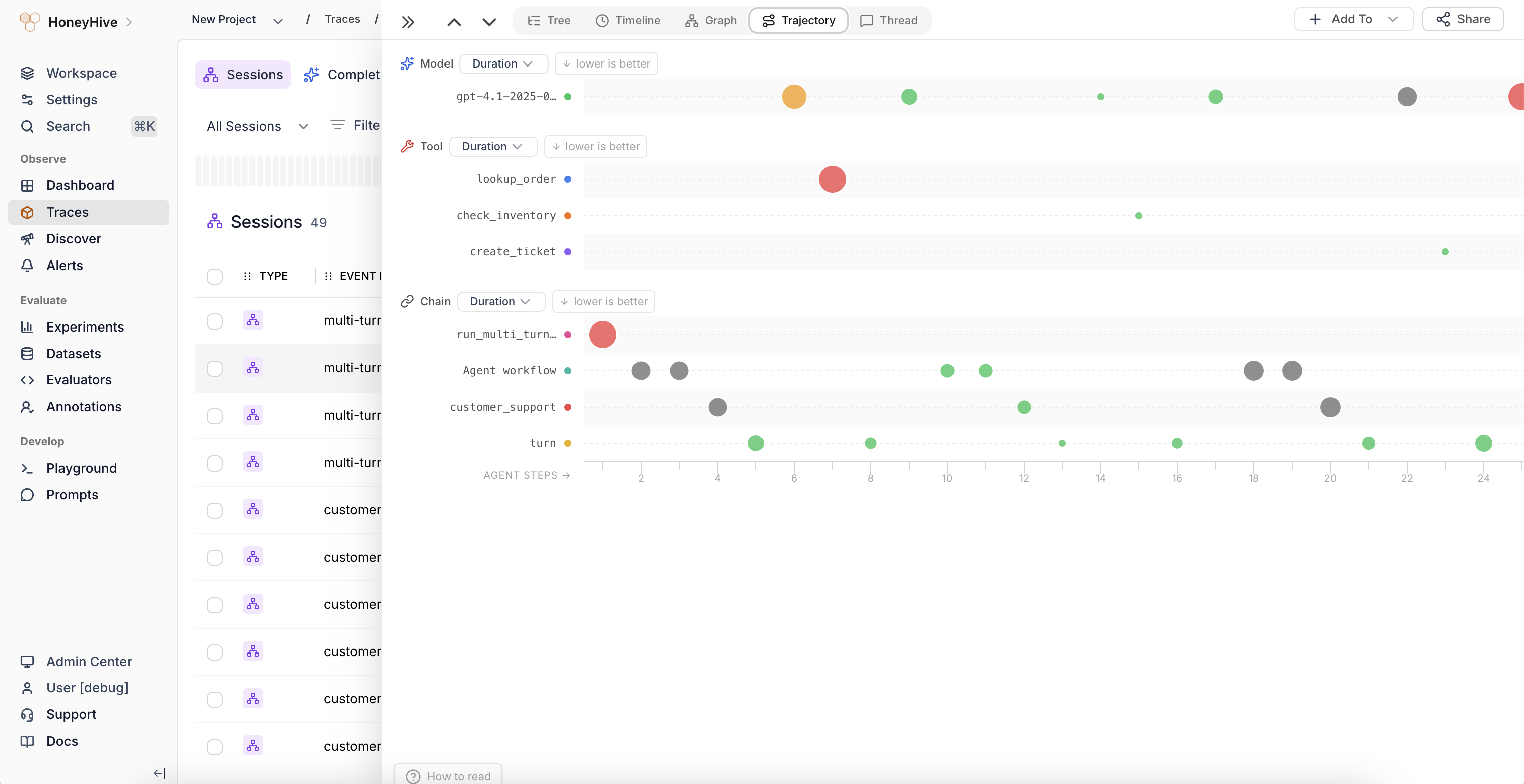
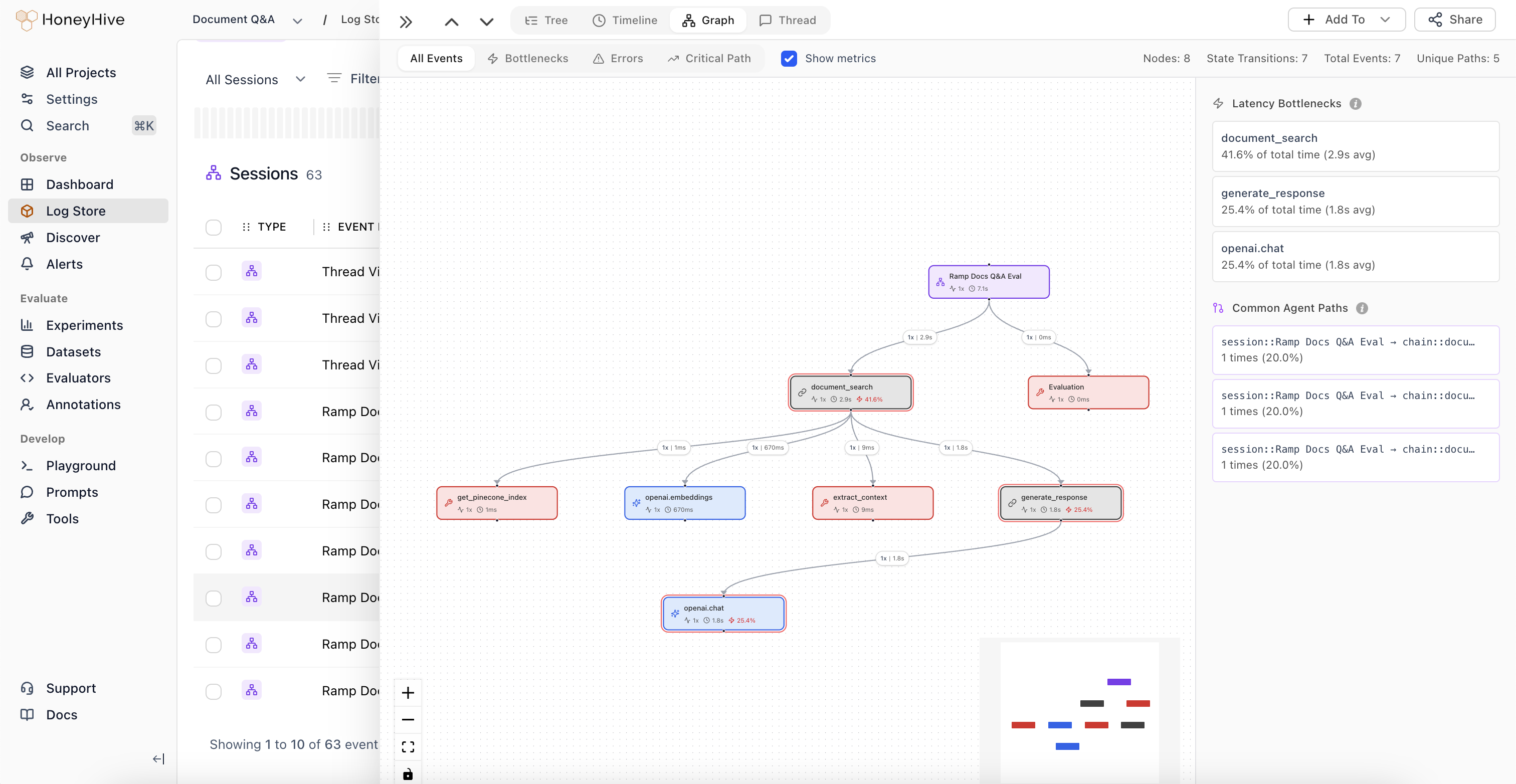 Spot loops, stuck steps, and outliers in long agent sessions as bubbles sized by duration, cost, metrics, feedback, or metadata values.
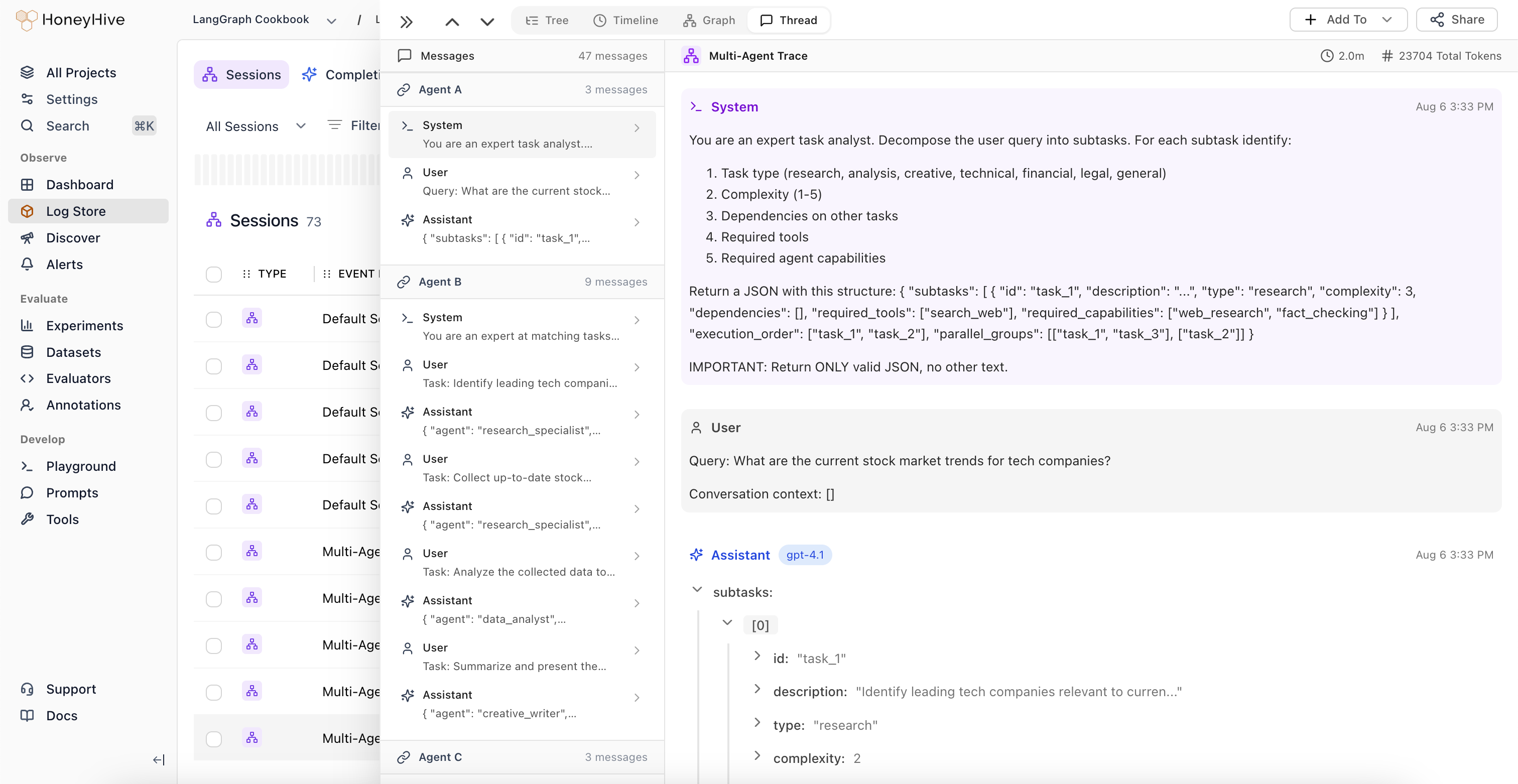
 Follow a session across multiple sub-agents in a single chronological thread, including internal messages and context propagation.
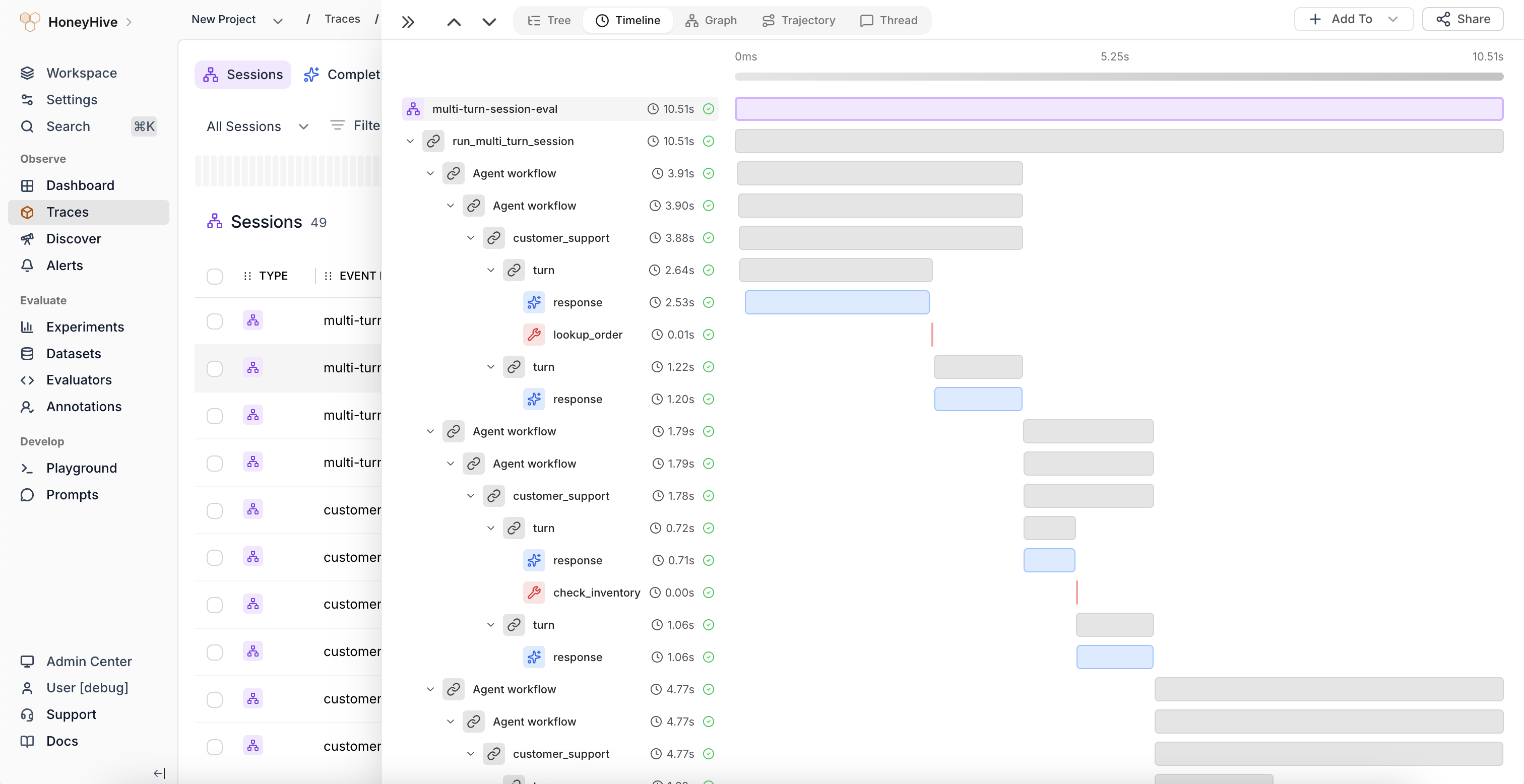
 Identify latency bottlenecks with a chronological breakdown of every operation in a trace.
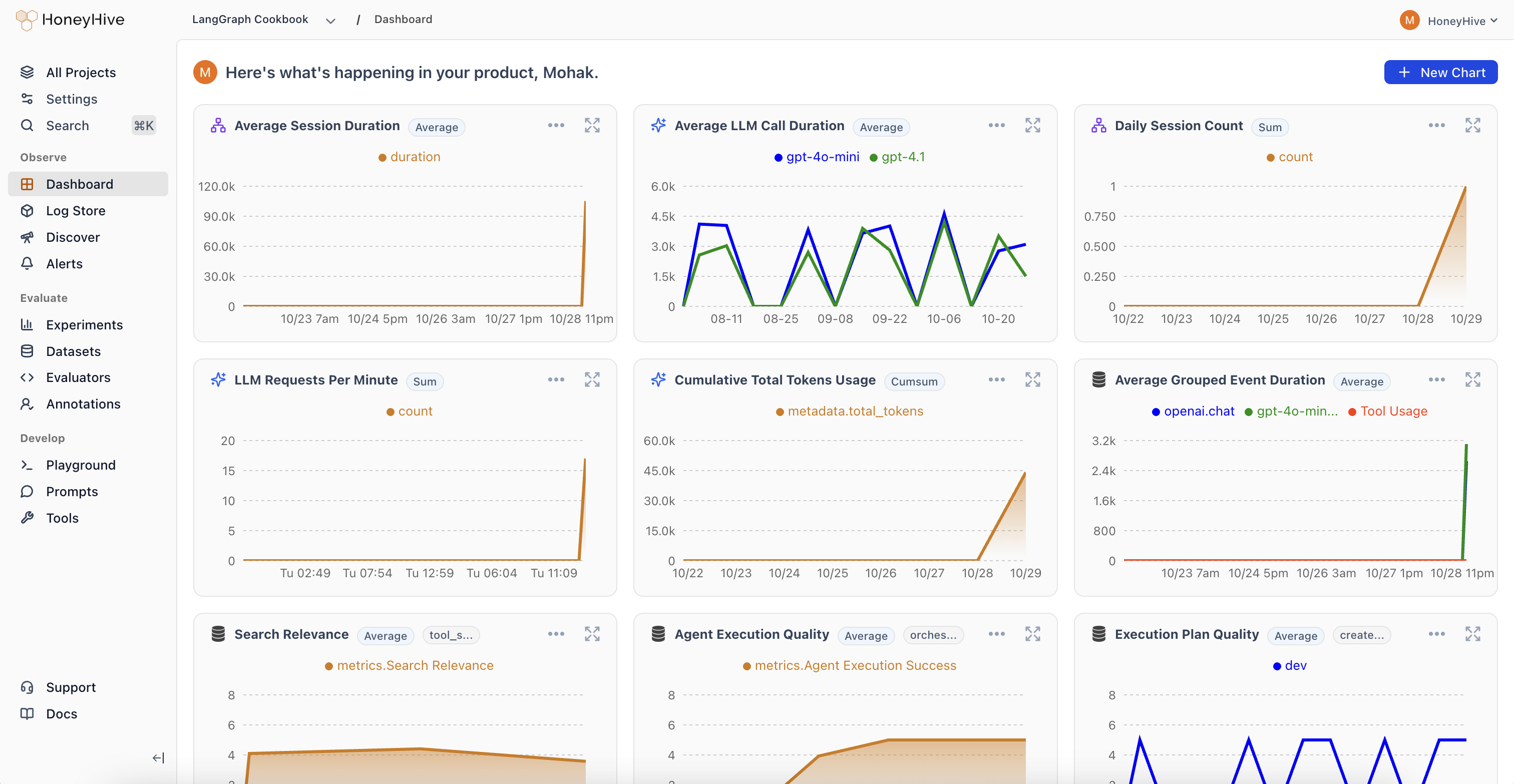
 Track cost, latency, and success rates with customizable charts and filters.
 Get notified when quality drops or errors spike so you can respond before users are affected.
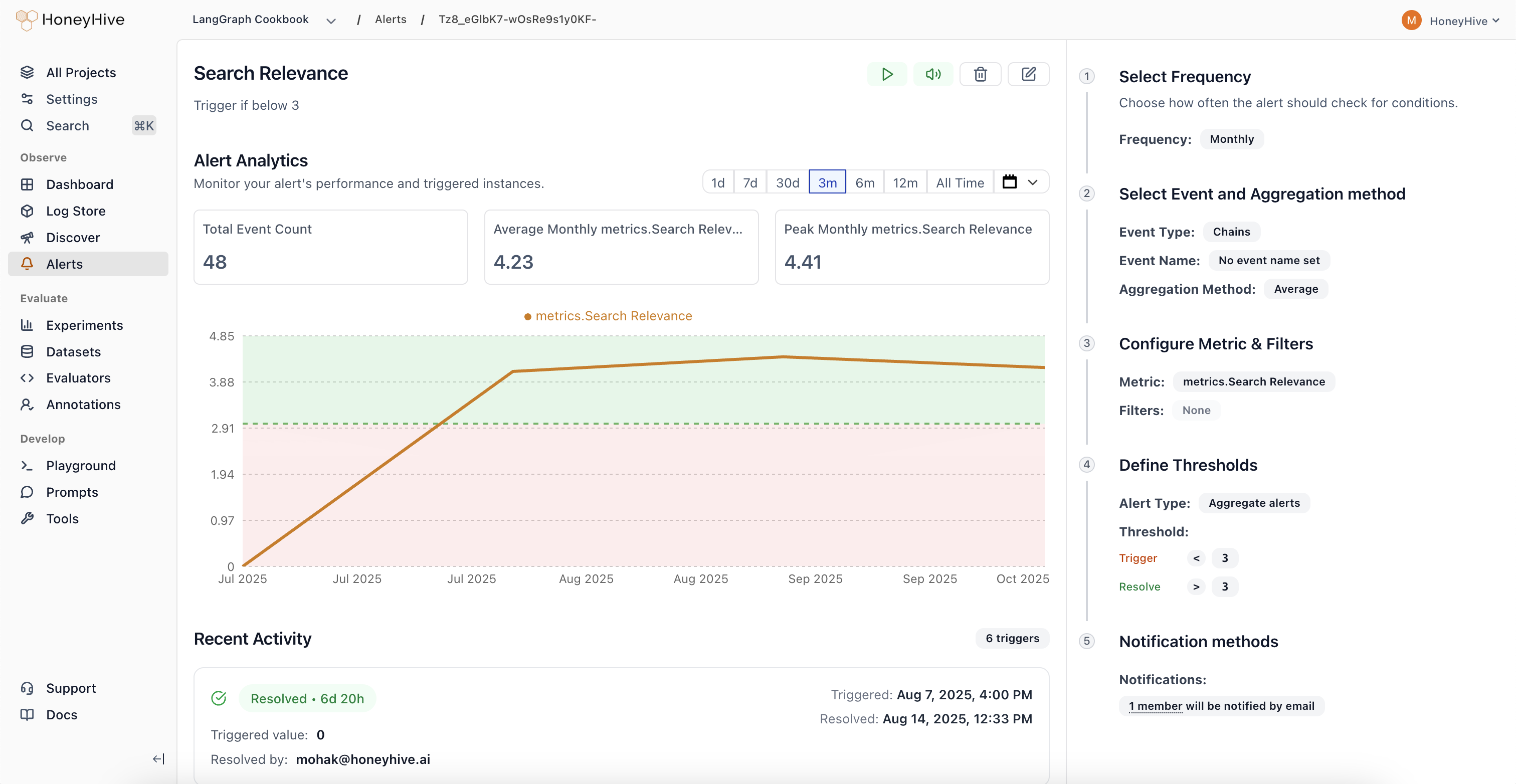 Turn failing production traces into curated test datasets. Run experiments to measure the impact of your changes, track regressions over time, and gate releases in CI.
Compare prompts, models, or configurations side-by-side to see which changes improve performance.
Turn failing production traces into curated test datasets. Run experiments to measure the impact of your changes, track regressions over time, and gate releases in CI.
Compare prompts, models, or configurations side-by-side to see which changes improve performance.
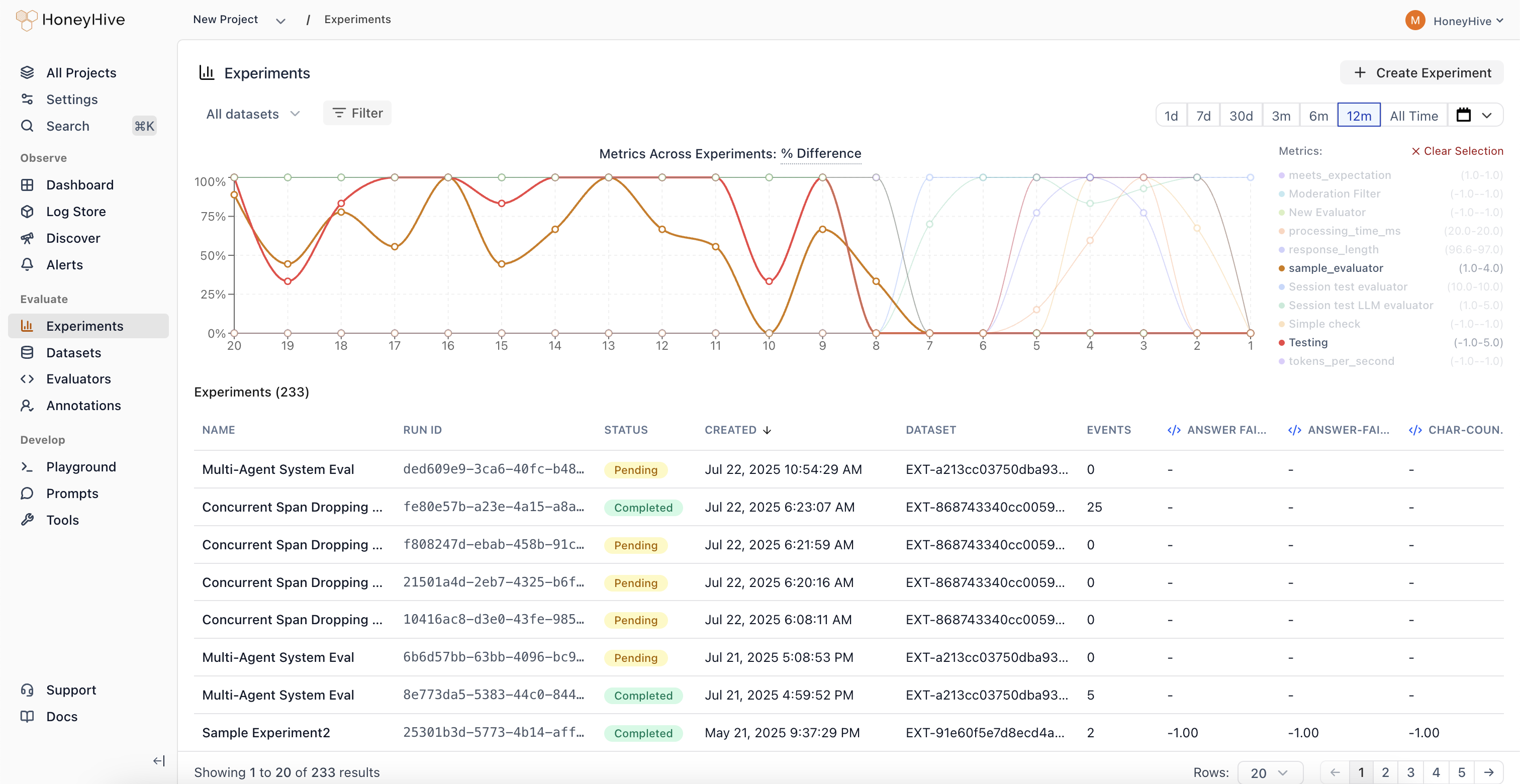 Build test sets from production failures and edge cases to cover real-world scenarios.
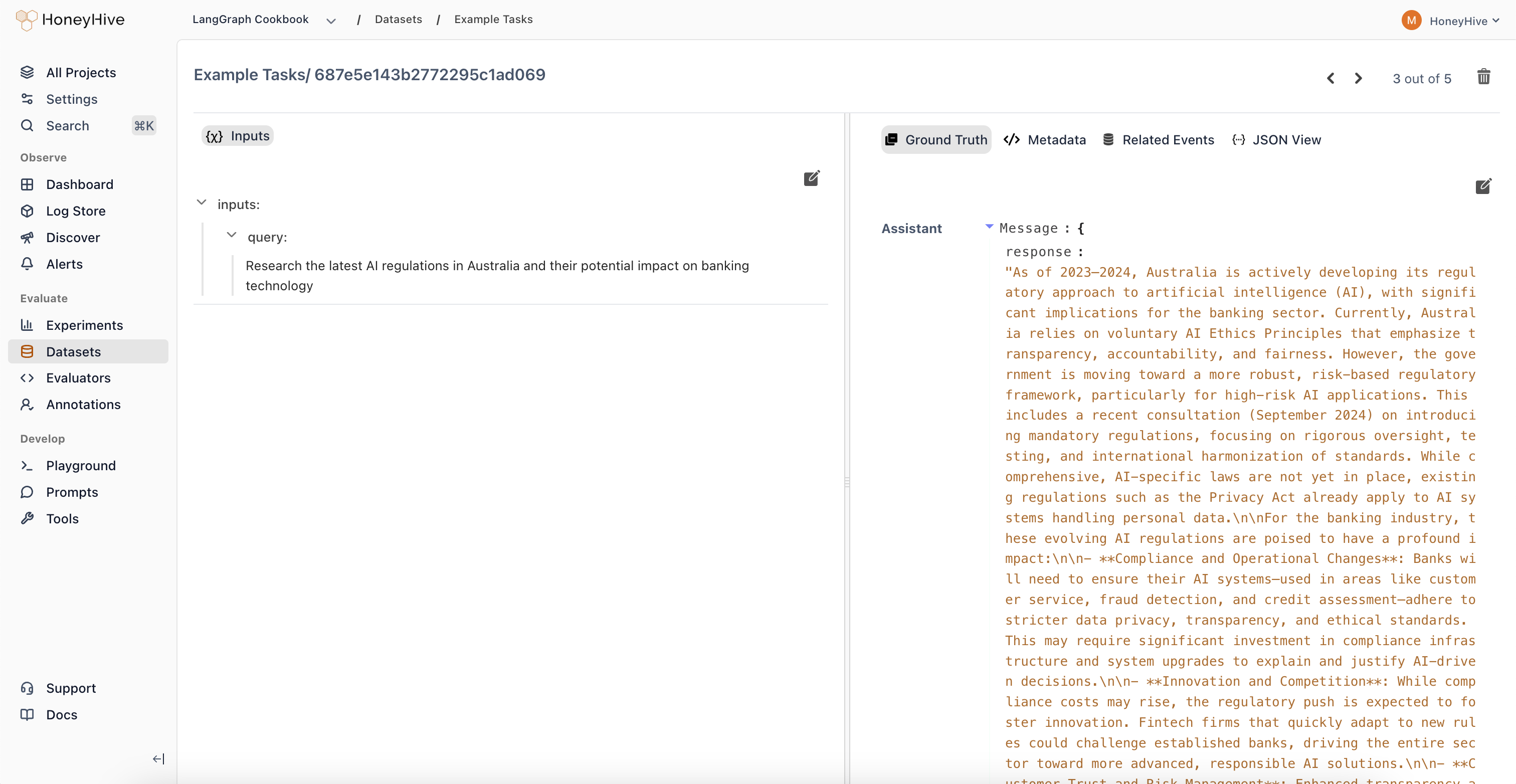 Verify that new changes don't break existing behavior by running evaluations on every update.
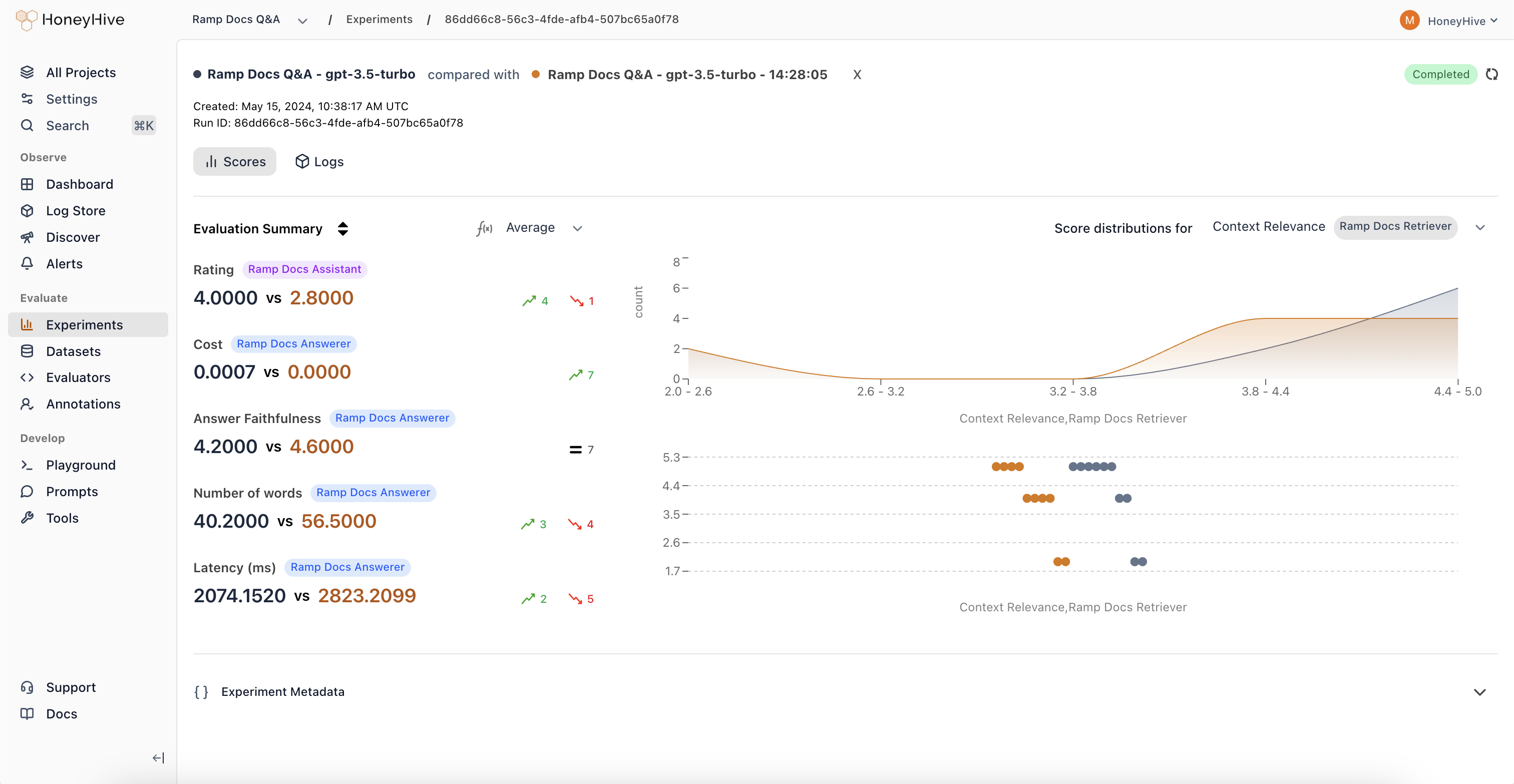 Use AI to assess response quality, accuracy, and safety at scale without manual review.
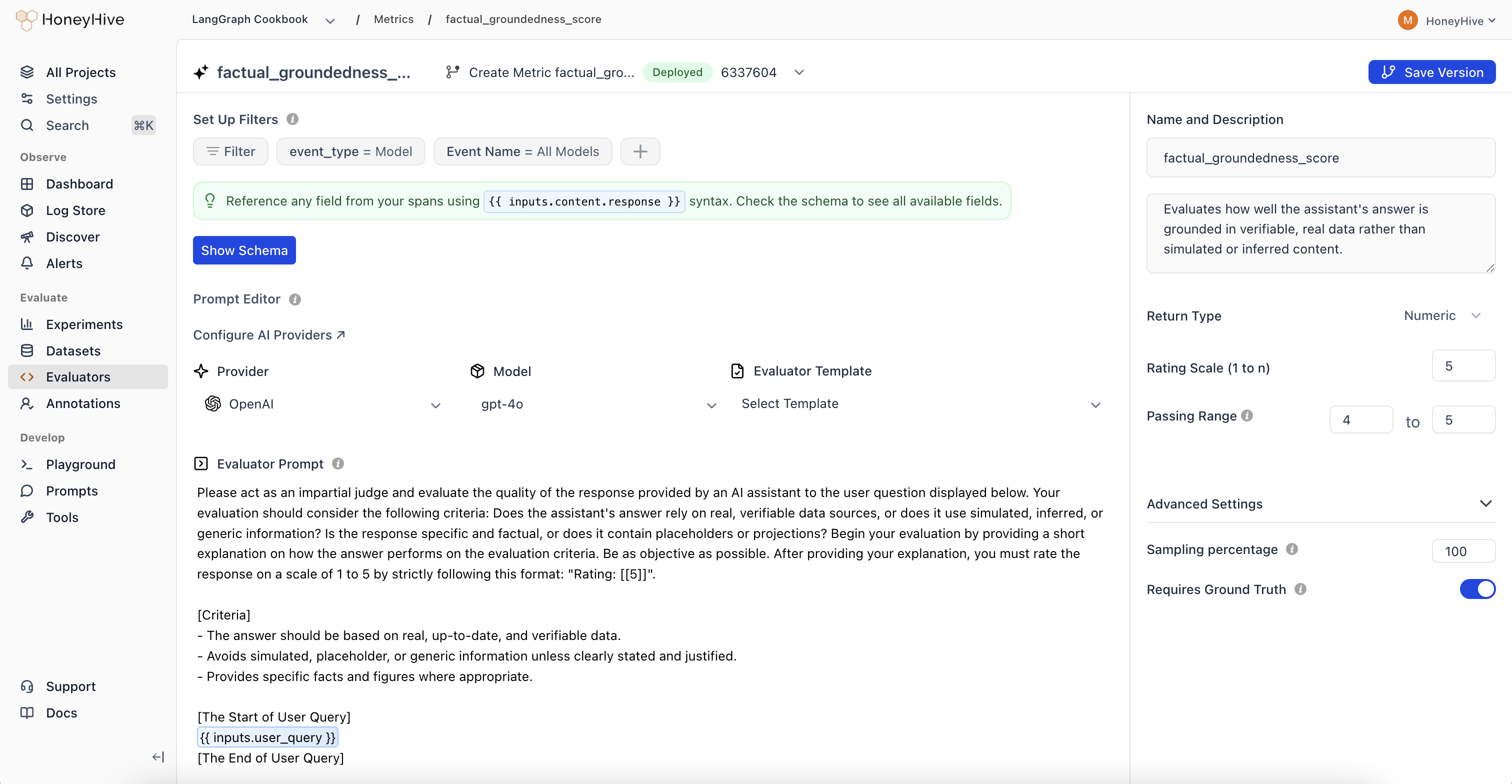 Write custom Python evaluation logic for domain-specific metrics that LLMs can't judge reliably.
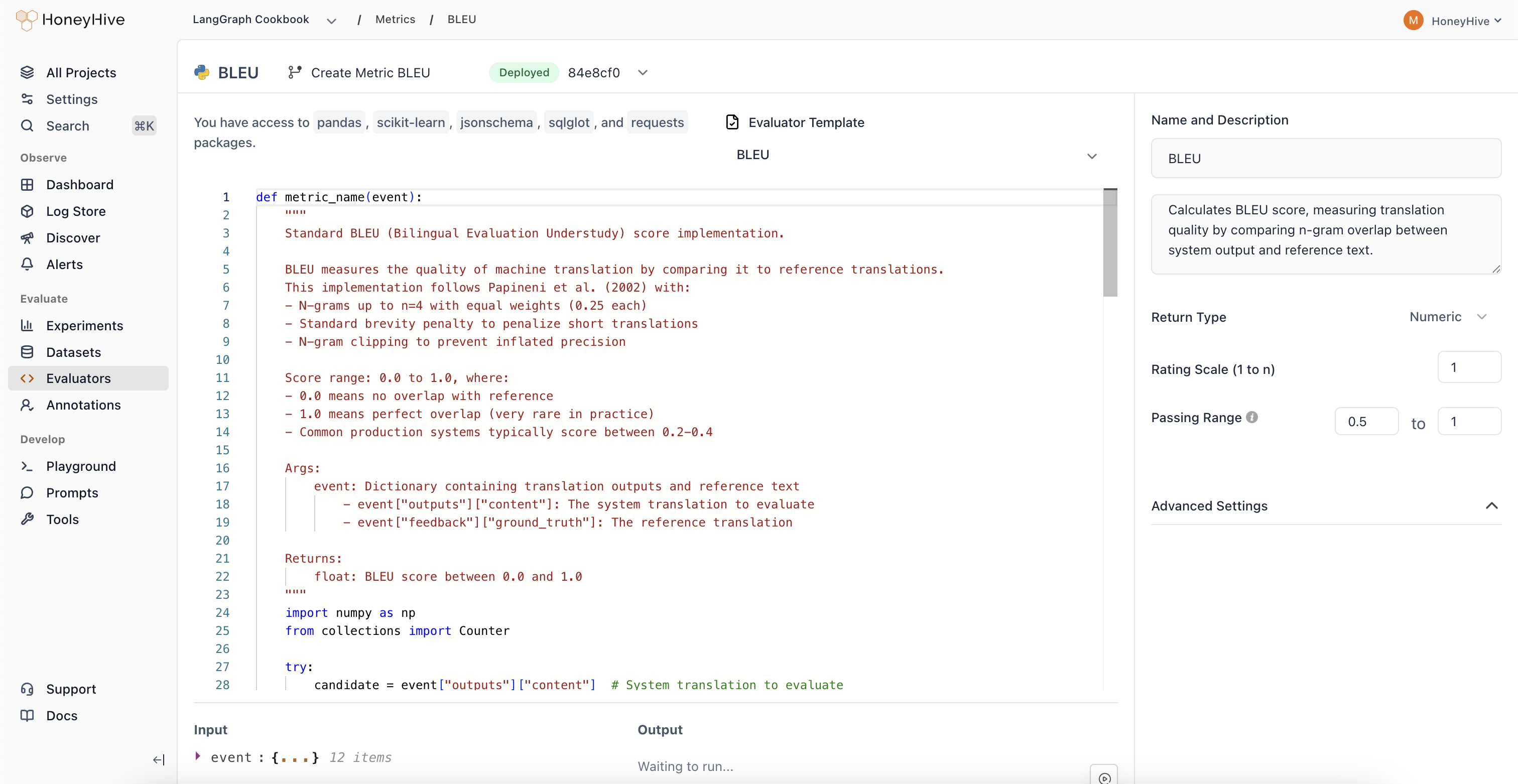 Collect expert judgments on agent outputs to build ground truth labels and improve automated evaluators.
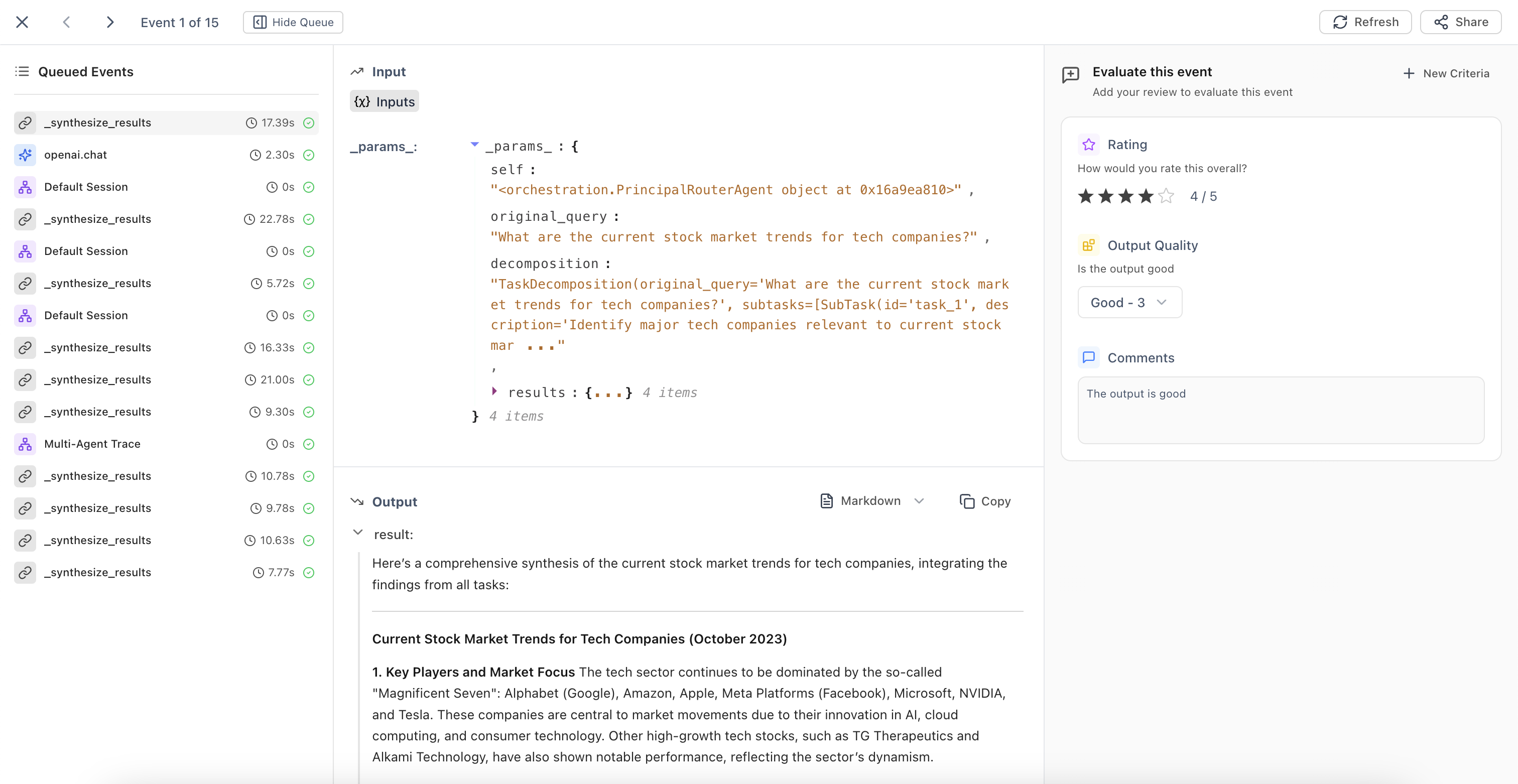 Use evaluation results to guide changes. Iterate on prompts, test new models, and optimize your application based on what the data shows. Validate changes against curated datasets before deploying.
Test prompt variations and model configurations with instant feedback before committing to code.
Use evaluation results to guide changes. Iterate on prompts, test new models, and optimize your application based on what the data shows. Validate changes against curated datasets before deploying.
Test prompt variations and model configurations with instant feedback before committing to code.
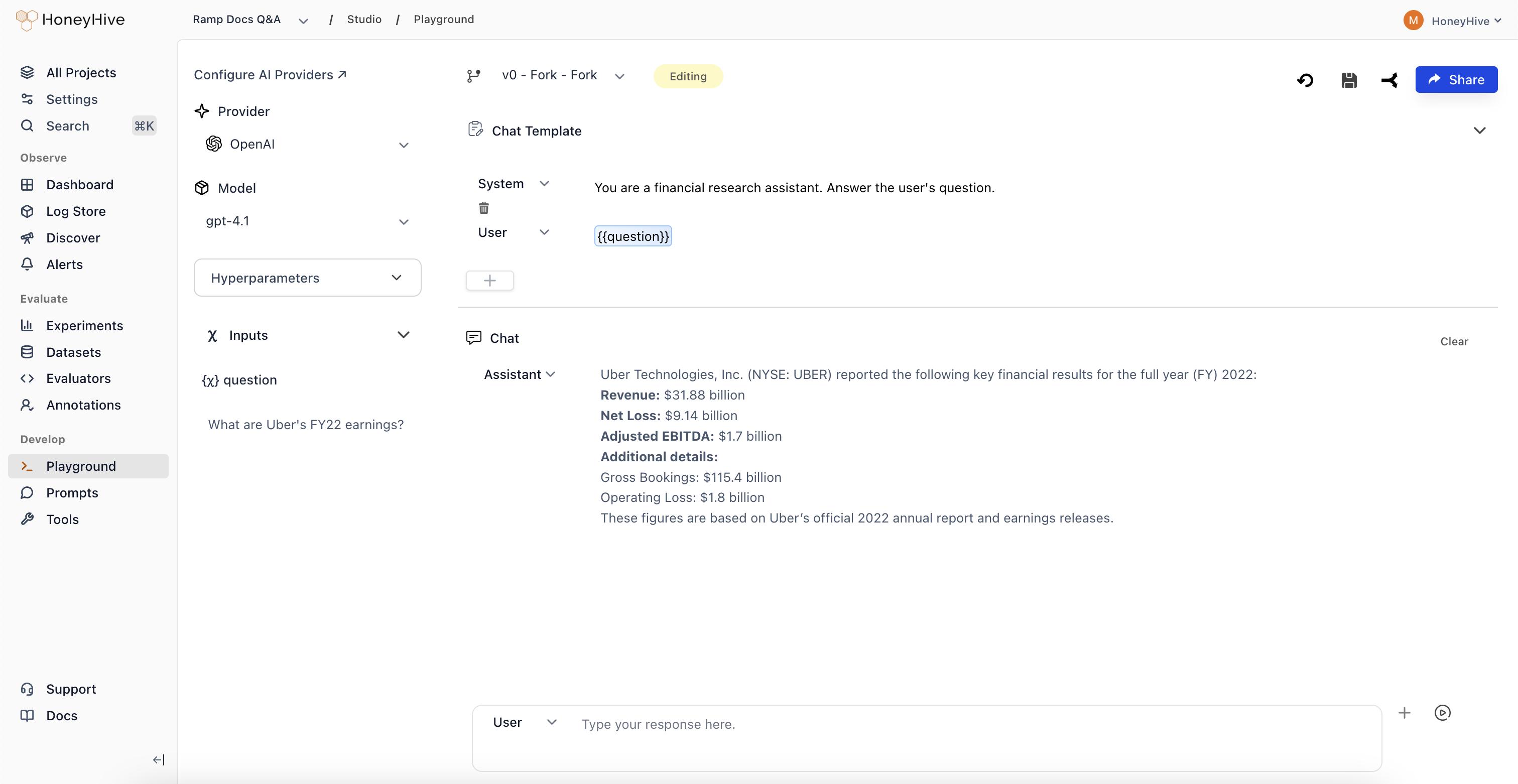 Version and deploy prompts centrally so your team can iterate without code changes or redeployments.
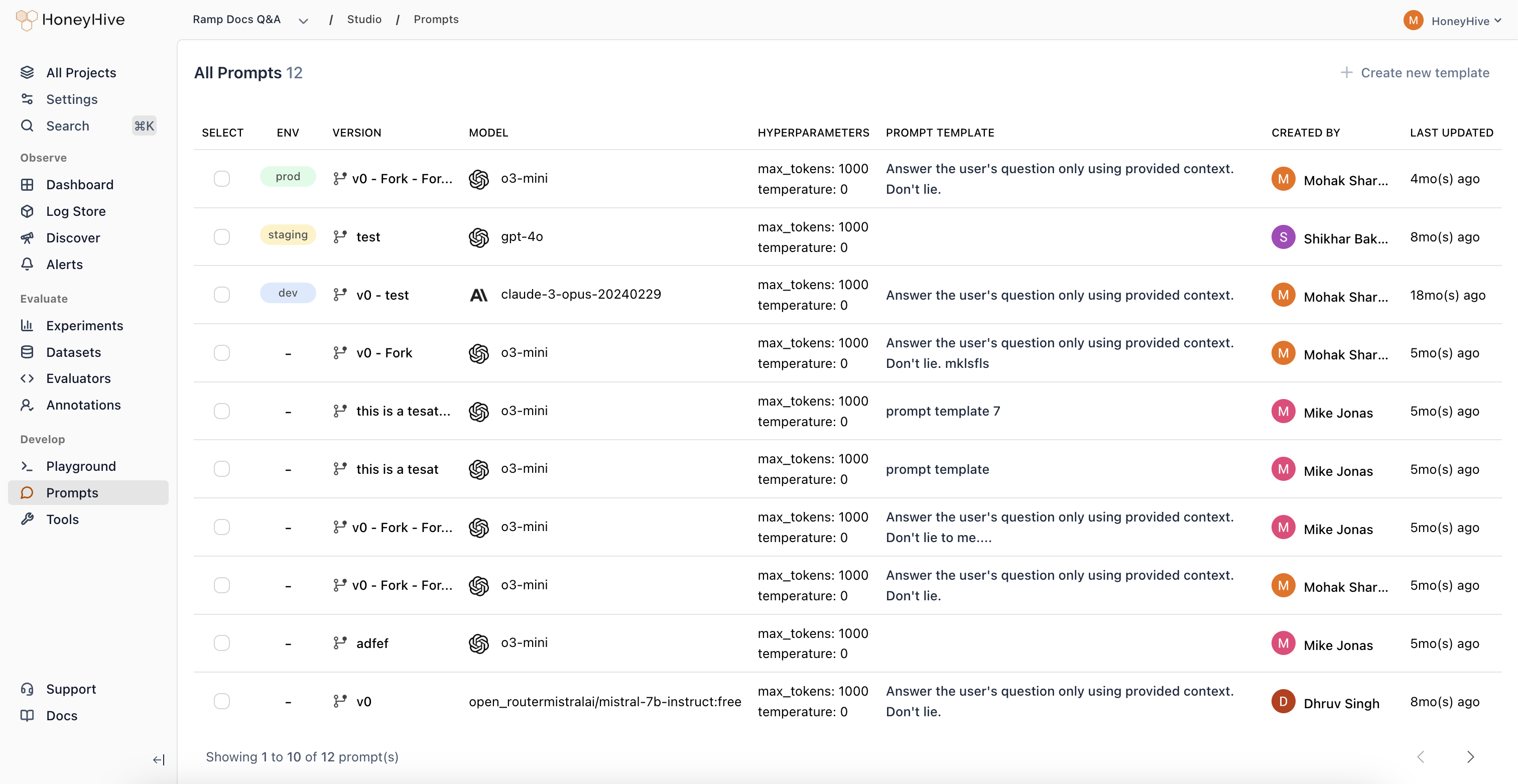 Deploy improvements and continue the cycle. Each iteration builds on production data, creating a **flywheel of improvement** that makes your AI systems more reliable over time.
.png) ***
## Platform Capabilities
Core features across the development lifecycle:
Capture and visualize every step of your AI application with distributed tracing.
Test changes with offline experiments and curated datasets before deploying.
Track metrics with dashboards and get alerts when quality degrades.
Run automated evals on production traces to catch issues early.
Collect expert feedback and turn it into labeled datasets.
Version and manage prompts across UI and code.
***
## Open Standards, Open Ecosystem
HoneyHive is built on **OpenTelemetry**, so it works across models, frameworks, and runtimes with no vendor lock-in.
***
## Platform Capabilities
Core features across the development lifecycle:
Capture and visualize every step of your AI application with distributed tracing.
Test changes with offline experiments and curated datasets before deploying.
Track metrics with dashboards and get alerts when quality degrades.
Run automated evals on production traces to catch issues early.
Collect expert feedback and turn it into labeled datasets.
Version and manage prompts across UI and code.
***
## Open Standards, Open Ecosystem
HoneyHive is built on **OpenTelemetry**, so it works across models, frameworks, and runtimes with no vendor lock-in.
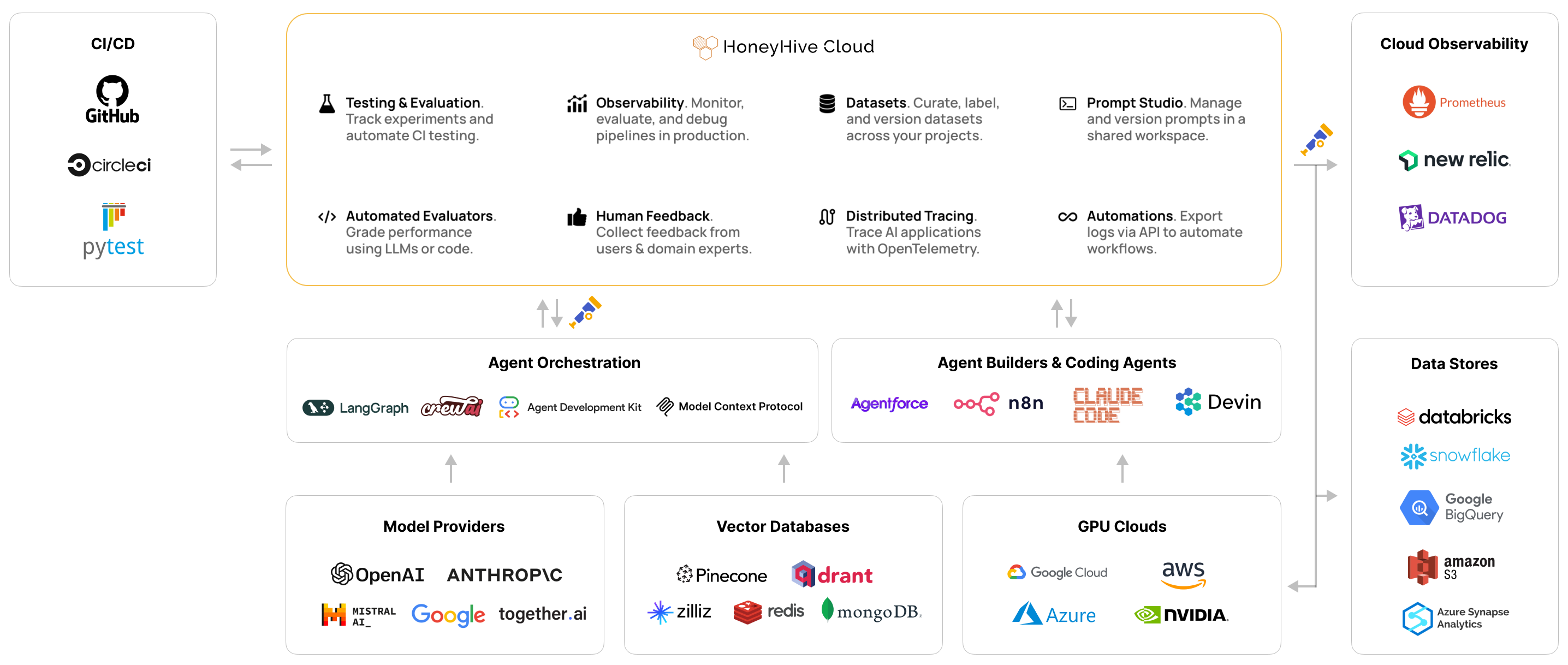 Works with OpenAI, Anthropic, Bedrock, open-source models, and more.
Native support for LangChain, CrewAI, Google ADK, AWS Strands, and more.
Trace any runtime - Lambdas, Kubernetes, Bedrock AgentCore, and more.
HoneyHive supports official OTEL GenAI, OpenLLMetry, and OpenInference semantic conventions.
***
## Hosting Options
Fully managed. Get started in minutes.
Single-tenant environment managed by our team.
Deploy in your VPC for full control and compliance.
***
## Additional Resources
REST API documentation for custom integrations.
Python SDK guides for advanced use cases.
Add teammates and configure role-based access control.
Connect with OpenAI, Anthropic, LangChain, and more.
Works with OpenAI, Anthropic, Bedrock, open-source models, and more.
Native support for LangChain, CrewAI, Google ADK, AWS Strands, and more.
Trace any runtime - Lambdas, Kubernetes, Bedrock AgentCore, and more.
HoneyHive supports official OTEL GenAI, OpenLLMetry, and OpenInference semantic conventions.
***
## Hosting Options
Fully managed. Get started in minutes.
Single-tenant environment managed by our team.
Deploy in your VPC for full control and compliance.
***
## Additional Resources
REST API documentation for custom integrations.
Python SDK guides for advanced use cases.
Add teammates and configure role-based access control.
Connect with OpenAI, Anthropic, LangChain, and more.