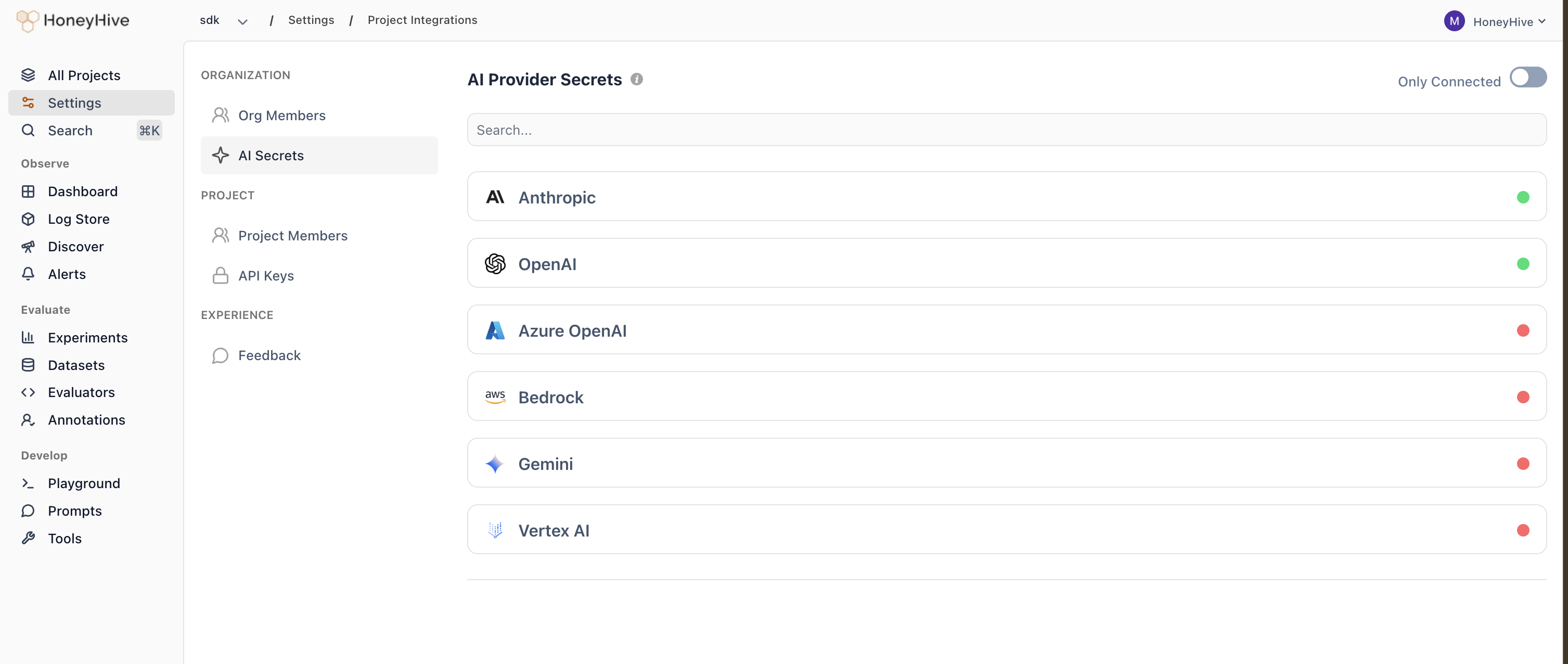
Provider keys let HoneyHive make API calls to AI providers on your behalf. These are used for:
- LLM Evaluators - Run AI-powered evaluations on your traces. See LLM Evaluators for setup.
- Playground - Test prompts directly in HoneyHive
Supported providers
Configuring provider keys
- Go to Settings > Workspace > AI Providers.
- Find the provider you want to use and click the pencil icon.
- Enter the required credentials.
- Click Save.
A green indicator and Configured status show that the required credentials have been saved for the provider.
Provider keys are configured at the workspace level. All projects within the workspace share the same provider keys.