

Create a project
Go to HoneyHive Projects and click New Project. Name it
my-first-project.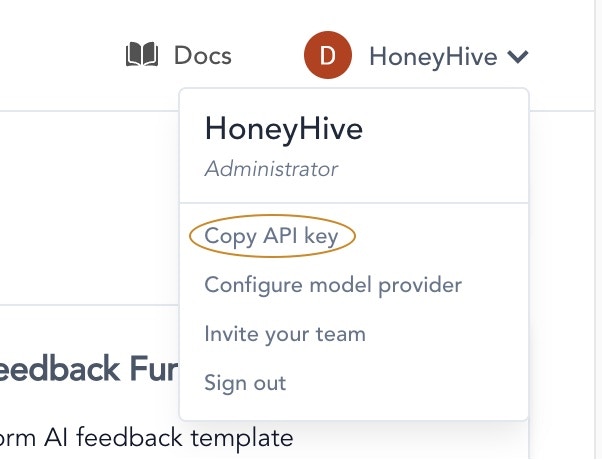
Install dependencies
Run this script
Create a new file called Run the script:
quickstart.py and paste the following code. Replace the placeholder values with your HoneyHive API key and project name.This quickstart keeps tracing setup simple: initialize the tracer first, then initialize the instrumentor with
tracer.provider.View your trace
Go to the Log Store in HoneyHive. Click on your trace to see the full request and response.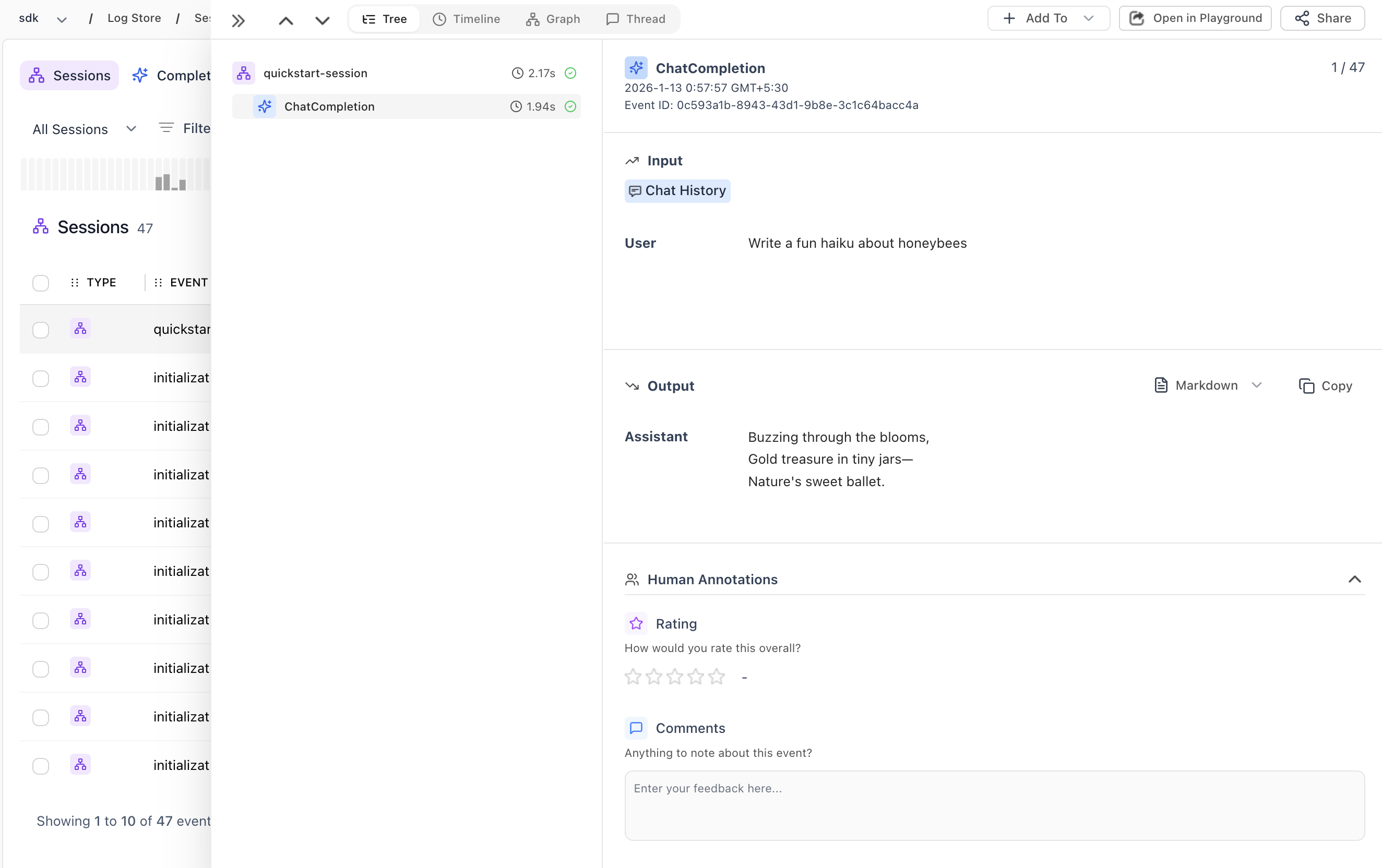
What’s next?
Now that you’re tracing, try the Experiments Quickstart to run your first evaluation and compare prompt variations. Or explore our Key Concepts to understand sessions, spans, and how HoneyHive structures your trace data.Choose runtime setup
See where to initialize the tracer for Lambda, web servers, and script-style apps.
Add more providers
Trace Anthropic, Google, AWS Bedrock, and more.
Trace custom functions
Use decorators to trace your own business logic.
Enrich your traces
Add feedback, metadata, and user information.
Run evaluations
Set up automated evaluations on your traces.