

- LLM Evaluators - Run AI-powered evaluations on your traces
- Playground - Test prompts directly in HoneyHive
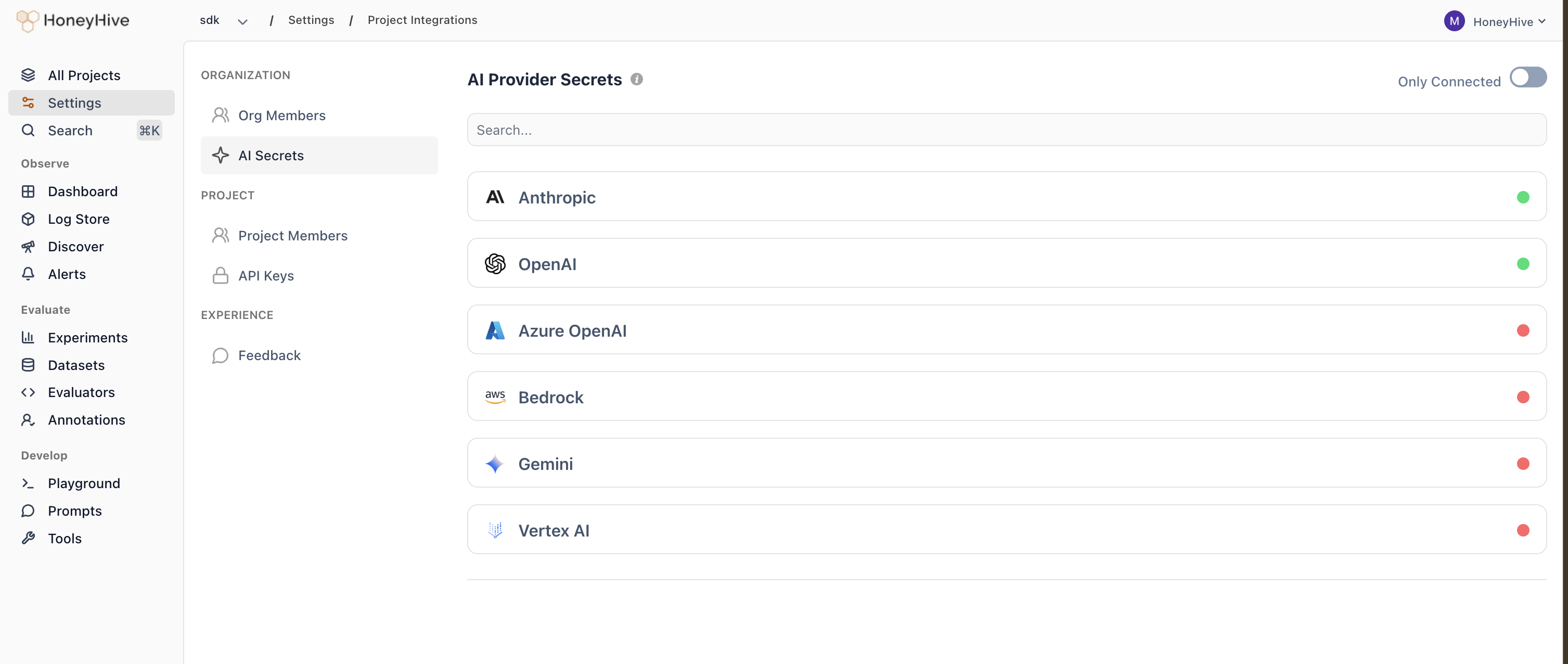
Supported providers
| Provider | Required credentials |
|---|---|
| Anthropic | API key |
| OpenAI | API key |
| Azure OpenAI | API key, endpoint, API version, deployment name |
| Bedrock | Access key, secret key, region |
| Gemini | API key |
| Vertex AI | Google application credentials JSON, project ID, location |
Configuring provider keys
- Go to Settings > Workspace > AI Providers
- Click on a provider
- Enter your credentials and save
Provider keys are configured at the workspace level. All projects within the workspace share the same provider keys. To use different providers for different teams, create separate workspaces.