

Quick Start
1
Clone and install
2
Set environment variables
HH_PROJECT needed.For v3 keys (cog_* prefix), also set:3
Run the exporter
One-shot sync:Daemon mode (continuous polling):
What Gets Traced
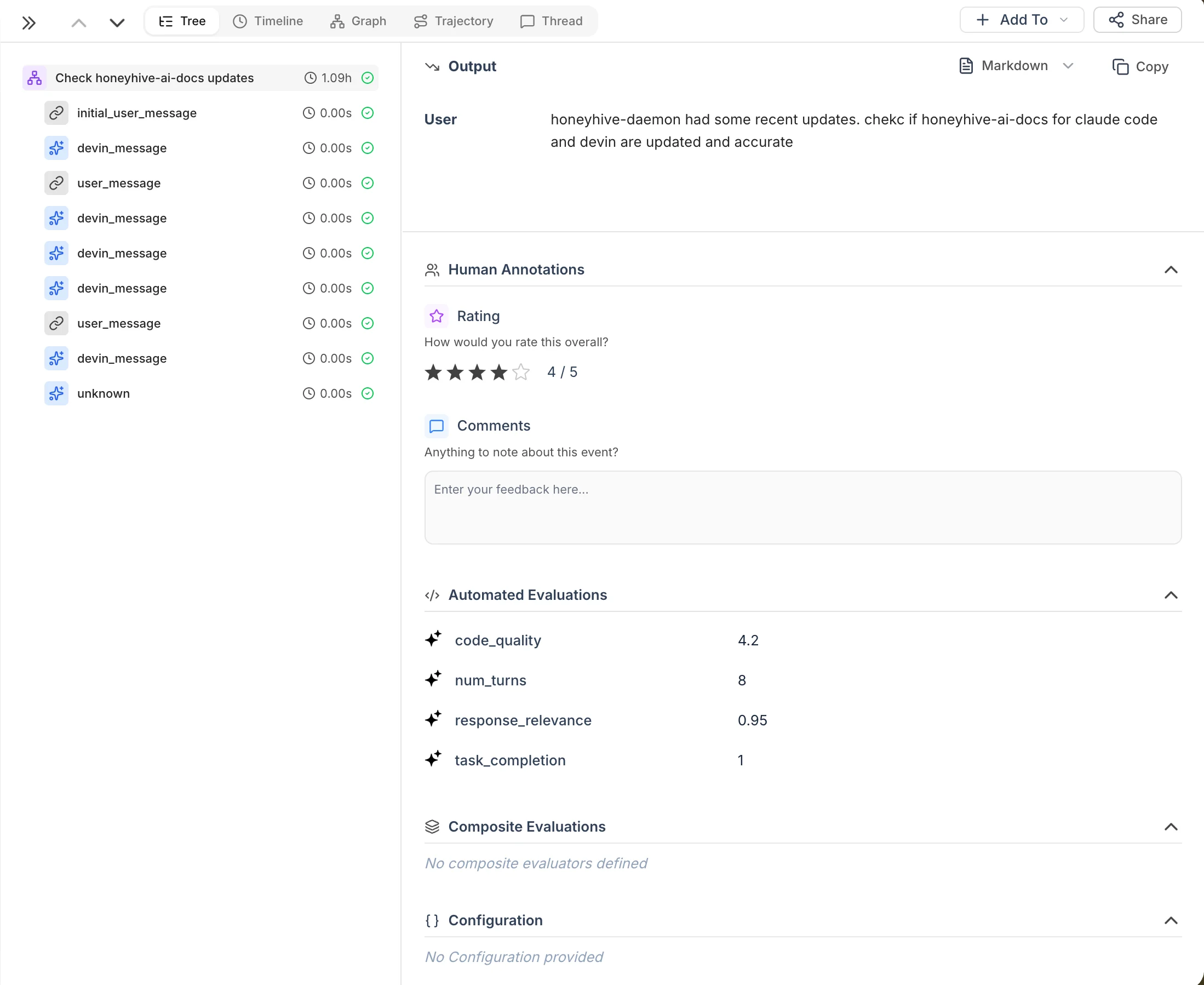
Each Devin session becomes a trace tree in HoneyHive:
The root session event includes metadata for linking back to Devin (
devin_url, devin_status, devin_pull_requests) and metrics.acus_consumed for tracking spend (ACUs are Devin’s Agent Compute Units, their billing unit).
Internal events
For v3 API keys (cog_*), the exporter also syncs Devin’s behind-the-scenes processing events:
These are the lower-level processing steps behind the conversation-level
devin_message events above. Noisy internal events (checkpoints, activity updates, terminal updates) are filtered out automatically.
Re-running the exporter is safe - it tracks sync state on disk and only processes new data.
Troubleshooting
For full configuration options (environment variables, CLI flags, incremental sync details), see the source repo README.
Related
Source code
Devin exporter script and documentation
Claude Code Integration
Real-time Claude Code tracing via hooks
Tracing Quickstart
Get started with HoneyHive tracing
Query Your Data
Filter and analyze traces