

Run Your First Experiment
New to experiments? Follow our hands-on tutorial to run your first experiment in 10 minutes.
Core Concepts
An experiment consists of three parts:| Component | What it is | Example |
|---|---|---|
| Function | The code you want to evaluate | A prompt, RAG pipeline, or agent |
| Dataset | Test cases with inputs and expected outputs | Customer queries with correct intents |
| Evaluators | Functions that score outputs | Accuracy check, LLM-as-judge |
Custom Run IDs
By default,evaluate() generates a UUID for each run. You can pass a custom run_id to correlate results with specific CI pipeline runs or to enable deterministic identifiers:
Why Use Experiments?
- Iterate with confidence - Test prompt variations, model configurations, and architectural changes against consistent metrics
- Track improvements - Monitor how changes affect key metrics over time
- Automate quality checks - Run experiments in CI/CD pipelines to catch issues before deployment
- Compare approaches - Evaluate different models, retrieval methods, or chunking strategies side-by-side
- Ensure reliability - Catch regressions by testing across diverse scenarios before deploying
How It Works
When you callevaluate():
- Run - Your function executes on each datapoint (with automatic tracing)
- Score - Evaluators measure each output against ground truth
- Aggregate - HoneyHive computes metrics (average, min, max)
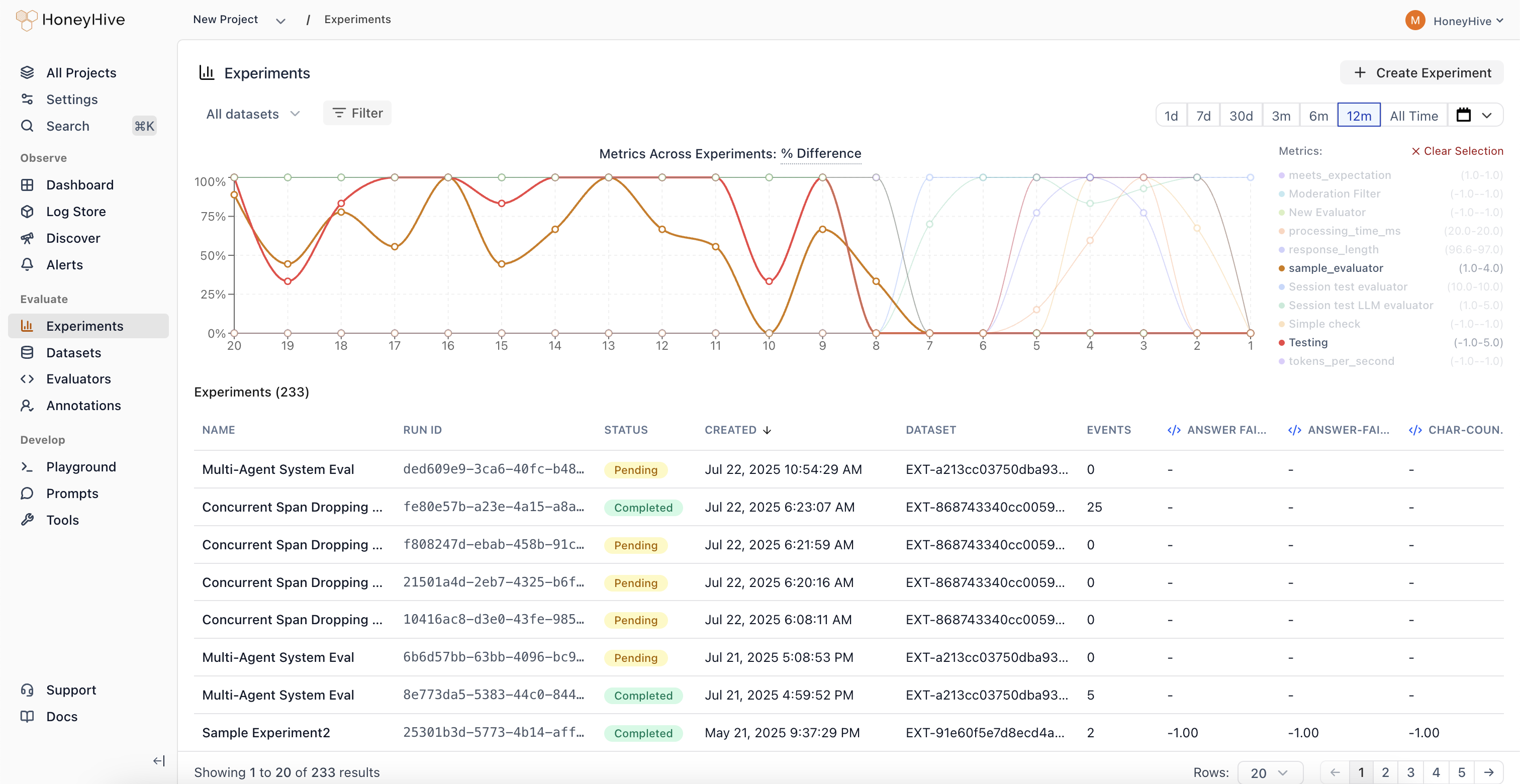
- View - Results appear in the dashboard for analysis
Trace Linking
Every execution creates a traced session with metadata that links it to:run_id- Groups all traces from a single experiment run togetherdatapoint_id- Identifies which test case produced each trace
- Same datapoint, different runs - Compare how prompt v1 vs v2 handled the same input
- Aggregate metrics - See average accuracy across all test cases in a run
- Regression detection - Identify which specific inputs degraded between versions
Git Context
When you runevaluate() from a Git repository, the SDK automatically captures Git metadata on each experiment run:
- Commit hash and branch name
- Author and remote URL
- Dirty status (whether there are uncommitted changes)
For deeper understanding of the framework design and evaluation philosophy, see Evaluation Framework.